WORK. PROOF. APPROVAL.

Which side of the job
are you on?

One clear record. Two ways to put it to work.

WORKSIGN PRACTICAL WORKFLOW

Building work management, from a clear brief to a recorded decision

Tradesperson photographing a painted hallway while the homeowner reviews the area
A clear brief, a visible result and a recorded response. Illustrative scene.

A renovation involves many small decisions: which room needs attention, what the finish should look like and whether the submitted result matches the instruction. WorkSign keeps that conversation attached to a specific building task.

  1. Set out the job. The investor creates a task with instructions and a reference photo, assigns a tradesperson and can include an agreed price and deadline.
  2. Show the result. The tradesperson submits a completion photo, with an optional comment or voice note.
  3. Record the response. The investor accepts the work or requests a specific correction. Both sides can return to the task history.

Start with a small, clearly defined job, such as touching up one wall. WorkSign is currently free during testing; keep your own copies of important records.

Read the building task brief guide ↗

WORKSIGN PRACTICAL WORKFLOW

Practical ways to keep site conversations clear

Illustrative painting detail showing an area to review near the skirting
A specific location makes a correction request easier to understand. Illustrative scene.

Painting needs another visit

“The painting is wrong” leaves the decorator guessing. Identify the room, wall and visible issue: “Ground-floor hall, beside the door frame: the original colour is still visible.” Request that correction against the submitted task, then review the next submission against the same brief.

The bathroom floor needs preparation

Before tiling starts, clarify whether preparation is included. Record the requested work and any exclusions in the task description. If another job is needed, give it a separate task; do not assume that a task entry establishes agreement on an extra charge.

Pipework will be covered tomorrow

Plan a separate stage task while the work is visible. The tradesperson can submit a completion photo before wall closure and the investor can record a review. Arrange any necessary on-site or qualified inspection separately.

See correction message examples ↗

WORKSIGN PRACTICAL WORKFLOW

Keep the building task, evidence and response together

Homeowner and tradesperson documenting a renovation result
Keep the relevant instruction, completion evidence and response with the task. Illustrative scene.

A chat message is useful for a quick question. A task record gives the instruction, submitted result and review response a clear home. Use WorkSign alongside your normal conversations and bring the relevant instruction back to the job.

Before the work

Check the task location, description and reference photo. Clarify missing information directly before starting. An optional price helps record the brief; WorkSign does not yet provide formal pre-start scope or variation acceptance.

At completion

Submit a photo that makes the result identifiable. A short note or voice message can explain what was completed and anything the reviewer should check.

At review

Compare the submission with the brief, then accept it or describe the required correction. Use separate tasks for separate work stages rather than treating one task as a multi-stage photo album.

Read about chats and task records ↗

WORKSIGN PRACTICAL WORKFLOW

Follow a task from first submission to final review

Illustrative wall painting detail for a completion review
Record the first submission, requested correction and subsequent review. Illustrative scene.

A useful work history explains what happened and what came next. If a result needs another visit, the earlier submission remains part of the record rather than disappearing behind the latest update.

  1. Initial submission: the decorator submits a completion photograph of the hallway wall.
  2. Correction requested: the investor identifies a missed strip beside the skirting.
  3. New submission: the decorator returns, completes the touch-up and submits the revised result.
  4. Review recorded: the investor reviews the new evidence and accepts the task if it meets the brief.

This is an illustrative workflow. Acceptance records the investor’s task review; it does not release payment or certify technical compliance. Photos can help explain a visible result, but cannot establish every hidden condition or the cause of later damage.

Read the work review and approval guide ↗

WORKSIGN PRACTICAL WORKFLOW

A clearer routine for managing your renovation investment

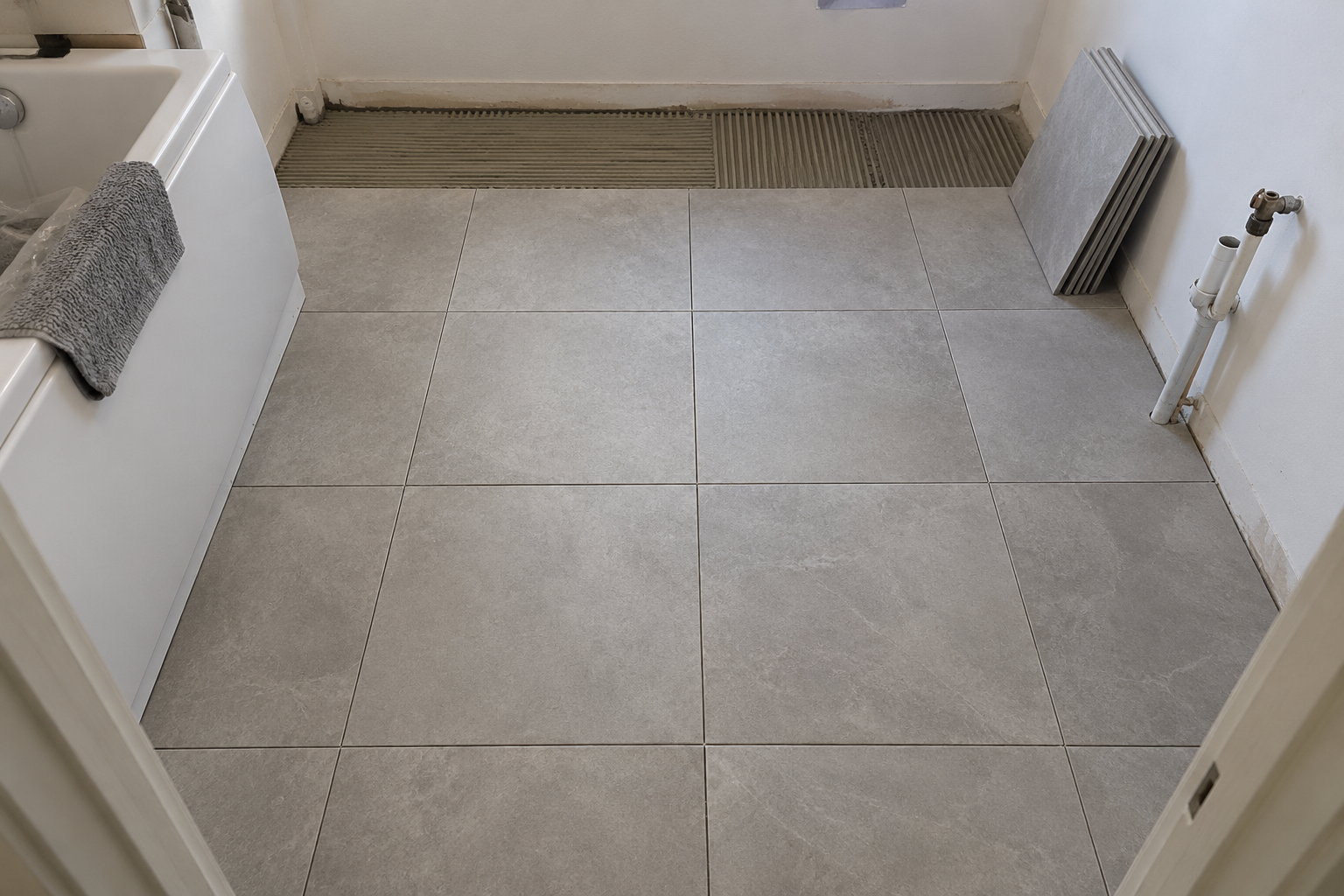
Illustrative bathroom floor tiling work
Define the work area and clarify what the task includes before starting. Illustrative scene.

Whether you are refurbishing one property or coordinating several trades, useful oversight starts with a specific brief. Break a broad request such as “finish the bathroom” into jobs that can be submitted and reviewed independently.

Know what needs your decision

Review submitted results against the instruction rather than relying on a general “all done” message. Ask for an identifiable completion photo and record a precise correction if something visible needs attention.

Example: organising a renovation from another city

Create a hallway painting task, include a reference photo and describe the finish. When the decorator submits the result, check the evidence and respond in the task. Set aside a regular review time and arrange site visits or qualified checks for work that cannot be assessed from a photograph.

WorkSign helps organise instructions and review decisions. It is not a cost forecasting tool and does not guarantee workmanship, savings or project completion.

Read the remote renovation guide ↗